
Canva's new AI is here. Users are already asking if it's truly 'on-brand'.
On July 21, 2026, Canva rolled out its latest AI feature, 'Magic Design for Video,' promising to automate social content creation. The announcement was met with the usual fanfare, but within hours, a different conversation started bubbling up on platforms like X: does 'magic' come at the cost of brand control? Social media managers and brand teams immediately began pointing out the 'template-locked' feel of the outputs, questioning if a one-click tool can ever truly be on-brand.
This is the critical tension for any team trying to scale content: speed versus integrity. Automated tools are fast, but they often produce generic results that dilute a brand's unique identity. So, we decided to put it to a direct, practical test. Can Canva Magic Design produce a week of cohesive, on-brand social content? And how does its approach compare to a system built for brand consistency, like a MyUP.ai workflow?
The test: create one week of social content for a fictional brand
To make this a fair comparison, we created a simple brand identity for a fictional snack company called 'Mello'.
- Brand Vibe: Natural, energetic, and friendly.
- Colors: A primary sunny yellow (#FFC700), a secondary forest green (#2E4F4F), and a neutral cream (#F8F4E1).
- Fonts: A bold, rounded sans-serif for headlines (like Gilroy Bold) and a clean, readable sans-serif for body text (like Inter).
- Logo: A simple wordmark.
The challenge is straightforward: create seven distinct social media posts for one week. The goal isn't just to make seven images; it's to create a feed where every post feels like it comes from the same brand. They should share a visual DNA, even if the content of each post is different.
Round 1: Generating posts with Canva Magic Design
We started with Canva. The process is, admittedly, very fast. You upload your logo, select your brand colors from the kit, and give it a text prompt like, 'Create an Instagram post about the natural ingredients in Mello snacks.' Magic Design quickly generates a selection of templates.
The speed is impressive for getting initial ideas. But when we tried to generate multiple posts for the week, the cracks in the 'on-brand' promise appeared immediately. One post used our yellow as a background, another used it as a small accent. The headline font was correct, but its size and placement varied wildly between posts. The logo was sometimes centered, sometimes tucked in a corner. The overall layouts felt disconnected, like seven different designers had a go at it.
The result is a collection of suggestions, not a coherent campaign. For a one-off post, it's a decent starting point. For a week of content, it creates more clean-up work than it saves, forcing you to manually adjust each design to create a sense of unity.
Round 2: Building a content system with a MyUP workflow
Next, we moved to MyUP.ai, and the approach is fundamentally different. We didn't start by asking for a post; we started by defining the system. The first step is creating a Brandkit, which takes about two minutes. You simply enter the brand's URL, and MyUP automatically extracts the logo, colors, and fonts, creating a reusable brand identity.
This Brandkit is the foundation for everything that follows. It's not just a color palette; it's a set of rules the AI must follow. Instead of generating random templates, we launched a workflow designed for a specific job, like creating a promotional poster. The workflow asks for the key information—the product, the message—and then uses the Brandkit to ensure every single output is consistent.
MyUP executes the production; the user validates the results. We could generate dozens of variations for our Mello snack posts, and while each one was unique in composition, they all shared the same non-negotiable brand elements. The yellow was always the right hex code, the headline font was always applied correctly, and the logo was placed according to brand rules. This is the difference between a suggestion and a production line. To create a branded poster for a food product like Mello, you can start with this exact workflow.
Workflow code: #myup-tbky-nciq
Food Brand Poster
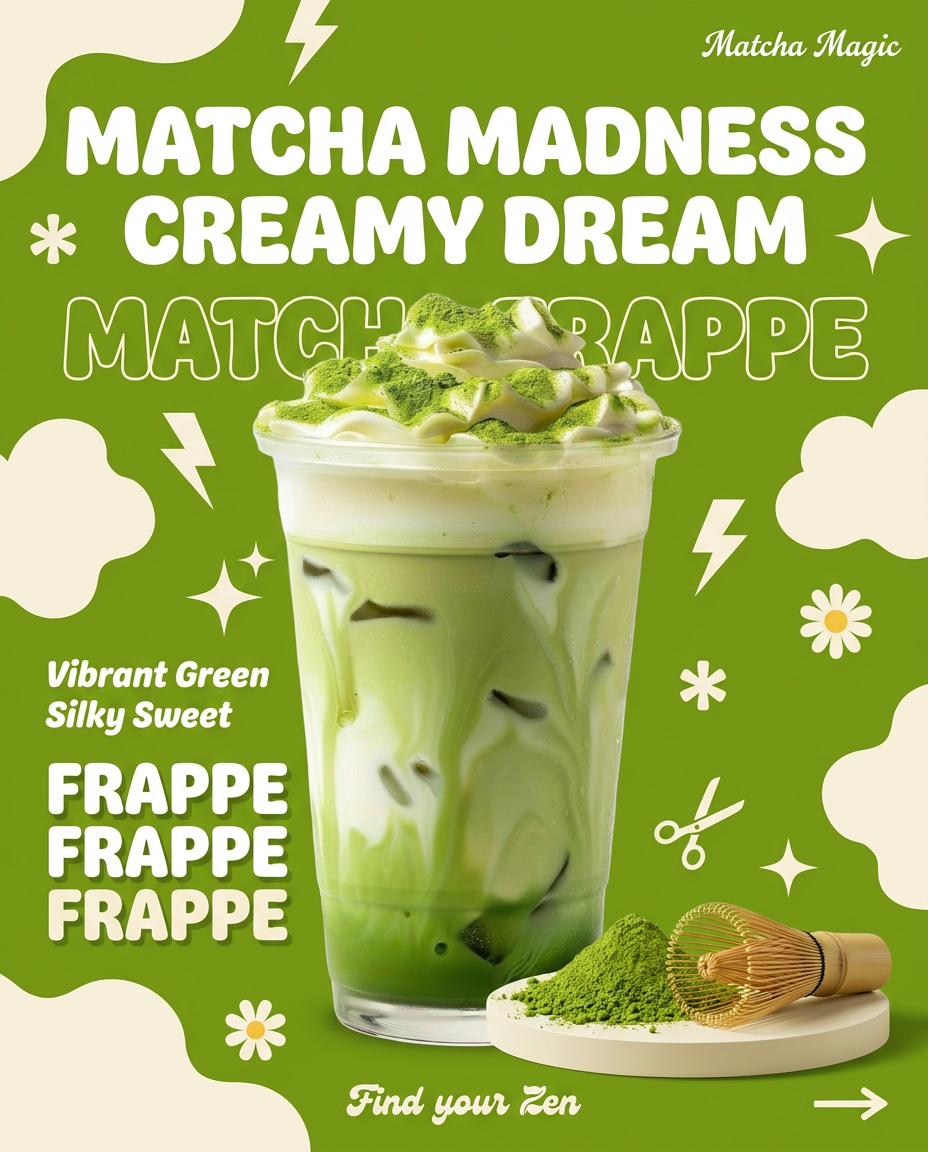
Instantly turn any food or drink product packaging into a bold, vibrant retro poster. The system automatically reads your bottle or box to grab its exact colors and ingredients, then crafts a perfectly coordinated vintage background around it.
Regenerate using your own assets.
The visual verdict: Inspiration vs. production
Placing the seven Canva posts next to the seven MyUP posts makes the difference undeniable. The Canva grid is a collage of ideas—some good, some off-target, but none of them feel related. It's visual inconsistency. The MyUP grid is a campaign. Each post is different, showcasing different product angles or messages, but they are all unmistakably 'Mello.' The colors, typography, and visual weight are harmonized across the entire set.
Canva's Magic Design gives you inspiration. It’s a brainstorming partner that throws ideas at a wall. A MyUP workflow gives you finished assets. It’s a production system that understands your brand's rules and executes them at scale. One is a starting point; the other is a repeatable process for getting the job done right, every time.
Scaling beyond a single post: from hiring announcements to ads
The real power of a system-based approach becomes clear when you need to create different types of content. Your brand identity doesn't change just because you're announcing a new hire or running a product ad. With the MyUP Brandkit in place, scaling is effortless.
Need to create a hiring post? You don't have to re-explain your brand to the AI. You just run a workflow built for the job, and it automatically applies your brand's DNA. The result is a professional, on-brand announcement that looks like it belongs with the rest of your content.
Workflow code: #myup-eiob-7tbc
Modern Hiring Poster
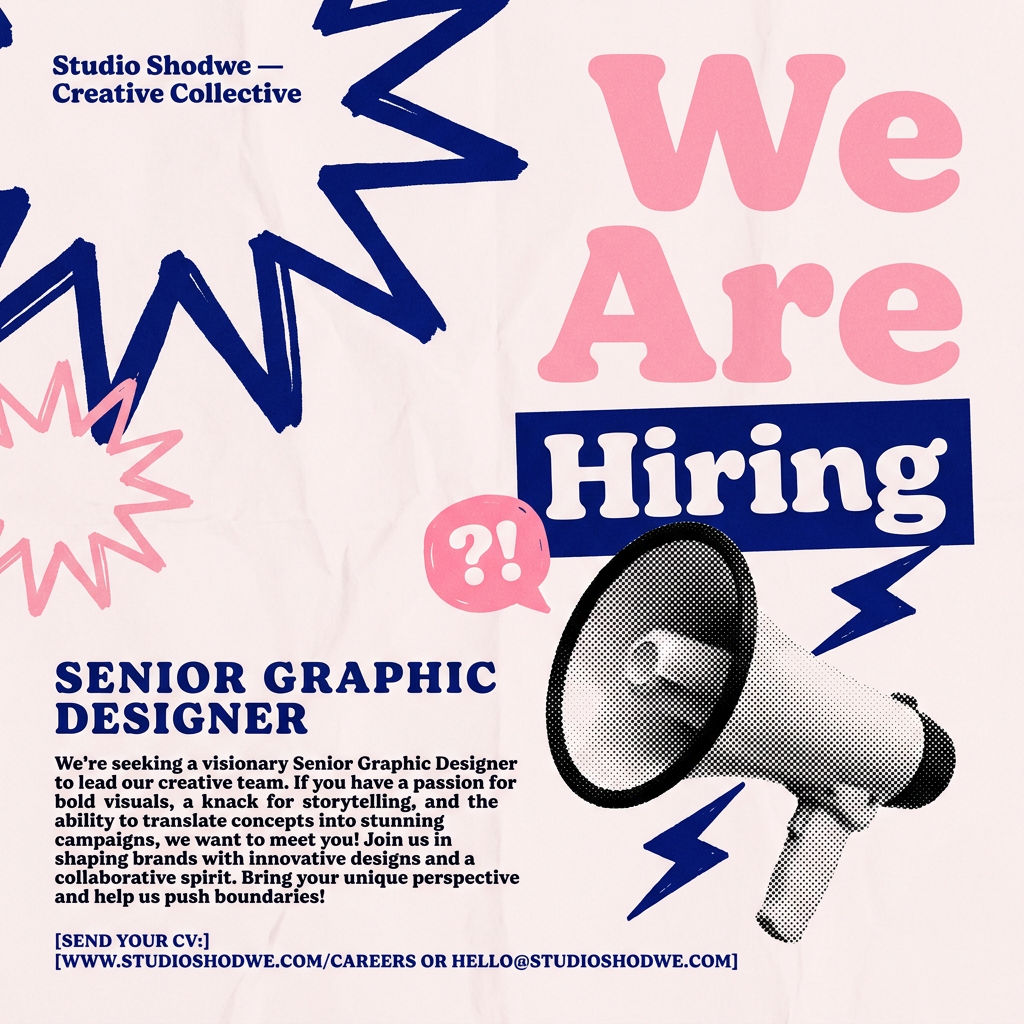
Turn your open roles into stylish social announcements. It sets your hiring details against a soft, textured paper background with clean, editorial typography. Perfect for giving your brand a polished, modern look when you're looking to hire.
Regenerate using your own assets.
The same principle applies to advertising. When you need to create a vertical ad for social stories, you can use a dedicated workflow that understands both your brand and the required format. The output is a high-impact, on-brand ad ready to deploy, not a generic template that needs heavy editing.
Workflow code: #myup-fts6-4ihp
Vertical Gourmet French Fry Ad
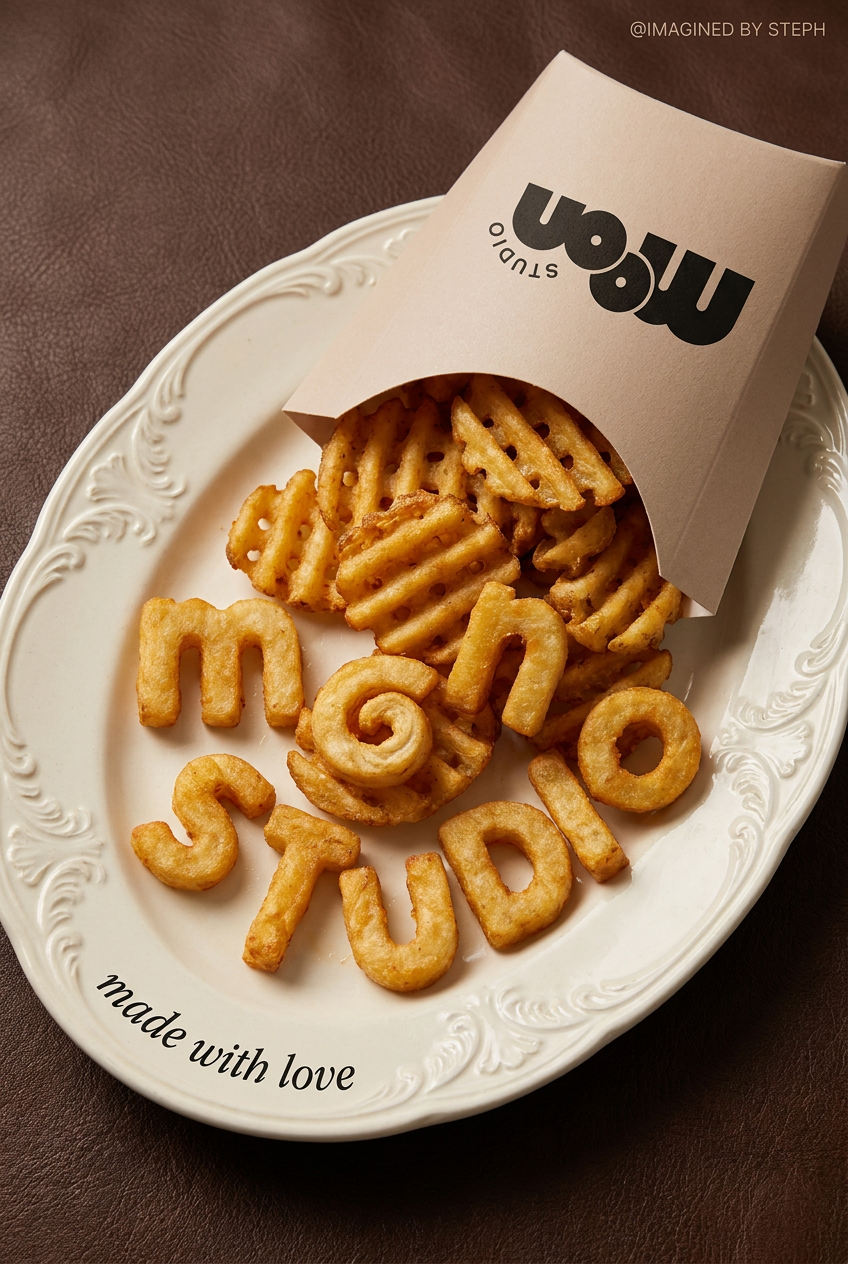
Transform your products into high-fashion editorial ads. This setup uses a dynamic diagonal layout and a slightly tilted overhead angle to give food and packaging incredible depth and texture. It's perfect for giving any brand a chic, premium look.
Regenerate using your own assets.
This is how you build a content engine, not just a collection of one-off designs. It’s a workflow you can use to automate an entire week of on-brand posts consistently.
So, which is better for your brand?
After a week of testing, the answer is clear and depends entirely on what you're trying to achieve.
Canva Magic Design is a good choice for:
- Rapid Brainstorming: If you're stuck for an idea and need a quick visual spark, it’s one of the fastest tools out there.
- One-Off Visuals: For a single, non-critical post where strict brand alignment isn't the top priority, it can save you time.
- Solo Creators: Individuals juggling many tasks may find the speed-for-inspiration trade-off acceptable.
A MyUP.ai workflow is the professional choice for:
- Brand Consistency: If maintaining a cohesive brand identity across all touchpoints is non-negotiable, a system built on a Brandkit is essential.
- Scaling Content: For teams that need to produce a high volume of content for campaigns, a workflow automates production without sacrificing quality.
- Professional Teams: Agencies, marketers, and brand managers who are measured on brand integrity and production efficiency will find the system-based approach far superior.
Ultimately, 'magic' is a great feature for generating ideas. But for brands that rely on recognition and trust, a repeatable, controllable system isn't just better—it's the only way to work.
