
The ground just shifted for anyone who makes videos. On July 20, 2026, Udio launched 'Video Sync', a feature designed to score your finished video edit automatically. This isn't just another update; it's a direct shot at Suno's dominance and a fundamental change in how creators can approach sound design. For years, the workflow was to find music, then cut your video to the beat. Udio is proposing the opposite: finish your cut, then generate a perfect score.
We didn't wait. We immediately ran a hands-on test, pitting Udio's new feature against the prompt-driven power of Suno. We scored two common video types—a fast-paced social ad and an atmospheric vlog intro—to find out which tool is best, when, and for whom. This is what we found.
The verdict first: which AI music tool is right for your video?
Let's cut to the chase. You have a video to finish. Here’s the decision framework based on our tests:
- Use Suno when the music inspires the edit. If you need a powerful, thematic song to build your video around, Suno is still the king. You prompt for a vibe, get a full track with vocals and structure, and then use that as the rhythmic and emotional foundation for your visual cuts. It’s the classic music video workflow.
- Use Udio's Video Sync when the edit is already locked. If you have a finished video—a client-approved ad, a vlog you've already paced out, an explainer video with precise timing—Udio's new feature is transformative. It analyzes your visual pacing, mood, and moments to compose a track that fits the picture, not the other way around.
The choice isn't about which is 'better,' but which fits your production stage. One starts with audio, the other with video. The end goal is the same: a cohesive final product. And for that last step, bringing audio and visuals together, is where a central platform becomes critical.
The test: Scoring a social media ad and a vlog intro
We took a 15-second, un-scored product ad with quick cuts and a 20-second, slower-paced vlog intro. We needed to create two completely different moods.
Test 1: The Fast-Paced Social Ad
For Suno, we used a detailed text prompt: 'upbeat, driving, percussive electronic track for a sneaker ad, modern, stylish, no vocals, with a build-up and a clean finish at 15 seconds.' The result was a high-quality, energetic track. The problem? We had to slightly re-time two cuts in our video to match the beat drops in the music. It worked, but we had to adjust our locked edit.
For Udio, we simply uploaded the 15-second video file and added a simple prompt: 'upbeat electronic for a product ad.' Udio's Video Sync analyzed the clip and generated a track where the percussive hits aligned almost perfectly with our existing cuts. There was a subtle swell in the music as the product was revealed. No re-editing was needed. It felt less like finding a track and more like working with a composer.
Test 2: The Atmospheric Vlog Intro
For Suno, we prompted: 'cinematic, ambient, slightly melancholic lofi piano and strings, for a travel vlog intro, slow build.' Suno produced several beautiful options. We picked one and, again, it set a great mood, but the emotional swell of the music didn't quite match the key visual moment—a sunrise. We could live with it, but it wasn't perfect.
With Udio's Video Sync, the result was noticeably better synced. The music was quieter at the start and began to build as the landscape shot widened, culminating in a more pronounced string section right as the sun broke the horizon. It understood the visual narrative.
Beyond the hype: Quality, control, and commercial rights
While Udio's sync is a major workflow advantage for editors, the conversation is more nuanced.
Musical Quality and 'Vibe': Suno still often produces more complex and musically interesting 'songs.' It excels at tracks with structure—verses, choruses, bridges. However, this can be a drawback for background scores. There's also a growing sentiment online that Suno's output can feel 'generic' or 'corporate' after a few generations. Udio, especially with Video Sync, feels more like a tool for creating a 'score'—it’s less about creating a hit song and more about supporting the picture.
Creative Control: Suno gives you control through prompting and features like 'Continue From This Song'. Udio's control comes from feeding it a perfectly edited video. The video itself becomes the primary control input, which is a paradigm shift for editors.
Commercial Rights: This is critical for brand content. As of July 2026, both Suno and Udio offer commercial rights on their paid plans. This means you can use the music you generate in marketing materials, ads, and monetized content. However, always double-check the latest terms of service before using a track in a major campaign. The specifics can change, and you are responsible for ensuring you have the correct license for your use case.
The workflow: From generated track to on-brand video in MyUP
Generating the perfect audio track is only half the battle. Your video isn't finished until the visuals, audio, and branding are locked in. A standalone music generator leaves you with an MP3 file and the problem of assembling everything cohesively. This is where MyUP becomes the hub for your entire creative process.
While MyUP doesn't generate music, its video editor is designed to bring all your assets together and make them instantly on-brand. Once you've downloaded your track from either Suno or Udio, the workflow is simple:
- Start a new video project in MyUP. You can begin with your video clip or an on-brand template.
- Upload your custom audio. In the editor, you simply upload the MP3 or WAV file you just generated. It appears as a new audio layer on your timeline.
- Let your Brandkit do the work. This is the crucial step. MyUP automatically applies your brand's assets to the video. Your logo is placed correctly, text overlays use your brand fonts and colors, and any animated intros or outros are added seamlessly.
You aren't just stitching a video and an audio file together. You're completing the production in a system that already knows your visual identity. The user validates the final result, but MyUP handles the production, ensuring every video you produce is consistent and professional.
Now, promote your video: Create on-brand posters in seconds
A great video deserves a great promotional campaign. Once your main asset is complete, you need supporting visuals for social media, email newsletters, and your website. Instead of starting from scratch, you can use MyUP to generate an entire suite of promotional assets that are stylistically aligned with your new video.
For example, if your video announces an upcoming event, you need a poster that matches its energy. This workflow generates a bold, eye-catching poster instantly.
Workflow code: #myup-xbur-hzoi
Bold Retro Yellow Event Poster
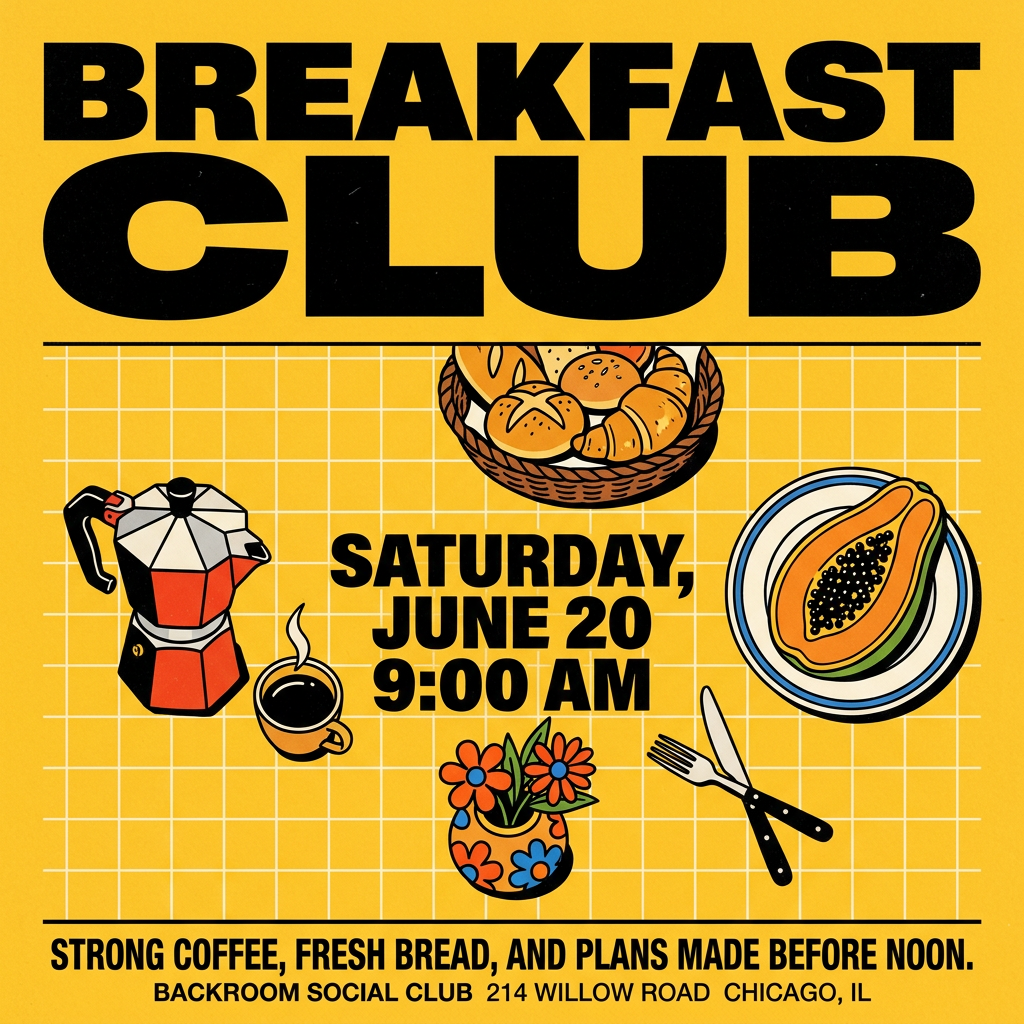
Turn your branding or event details into bold, nostalgic posters. It blends vibrant warm backdrops with a clean, retro square grid pattern to make any announcement look like a classic piece of mid-century graphic design.
Regenerate using your own assets.
If your video was a product ad, like our sneaker test, you'll need high-impact visuals for Instagram stories or a carousel post. Use this workflow to create a professional brand poster that showcases your product in the same style.
Workflow code: #myup-tbky-nciq
Food Brand Poster
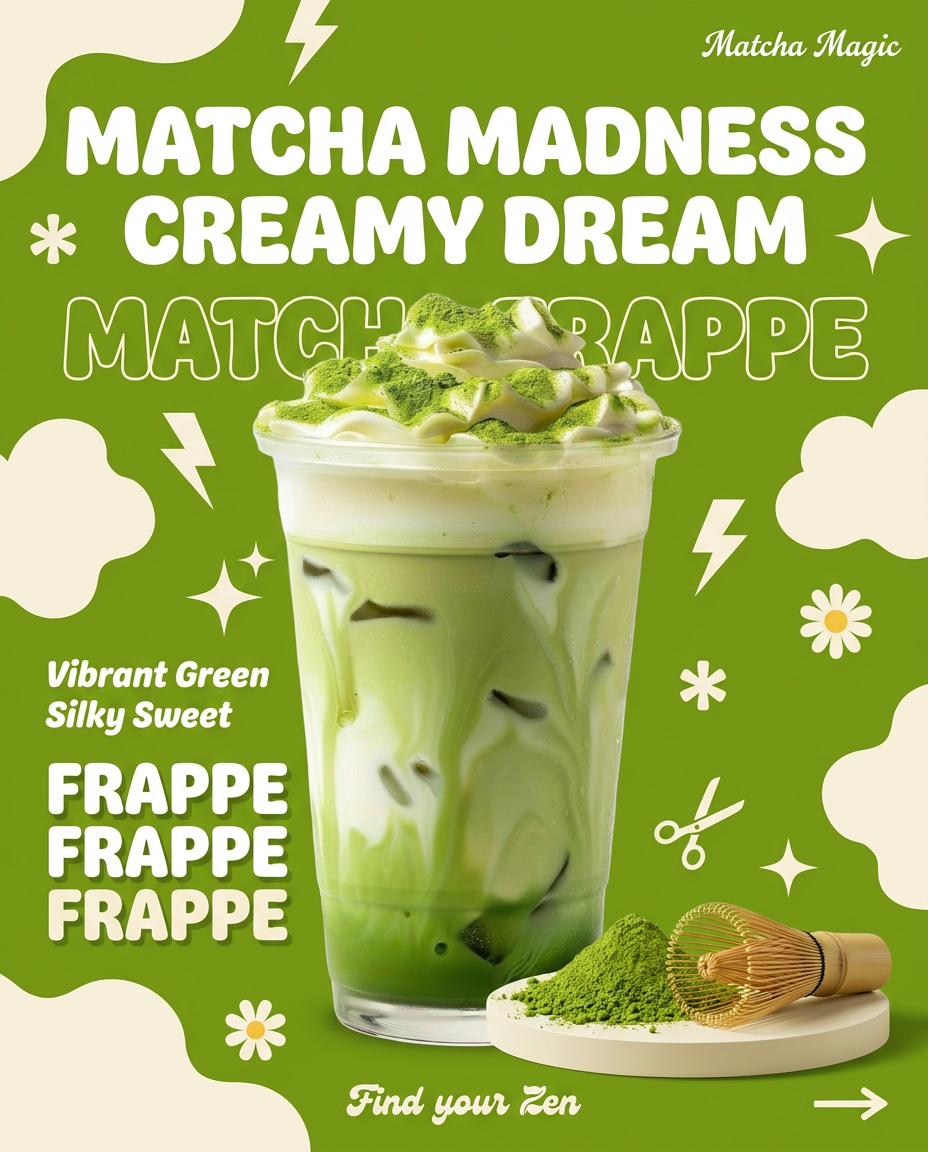
Instantly turn any food or drink product packaging into a bold, vibrant retro poster. The system automatically reads your bottle or box to grab its exact colors and ingredients, then crafts a perfectly coordinated vintage background around it.
Regenerate using your own assets.
And if your video was a company announcement or a hiring call, you need a clean, professional poster to share on platforms like LinkedIn. This workflow ensures your branding is sharp and the message is clear.
Workflow code: #myup-eiob-7tbc
Modern Hiring Poster
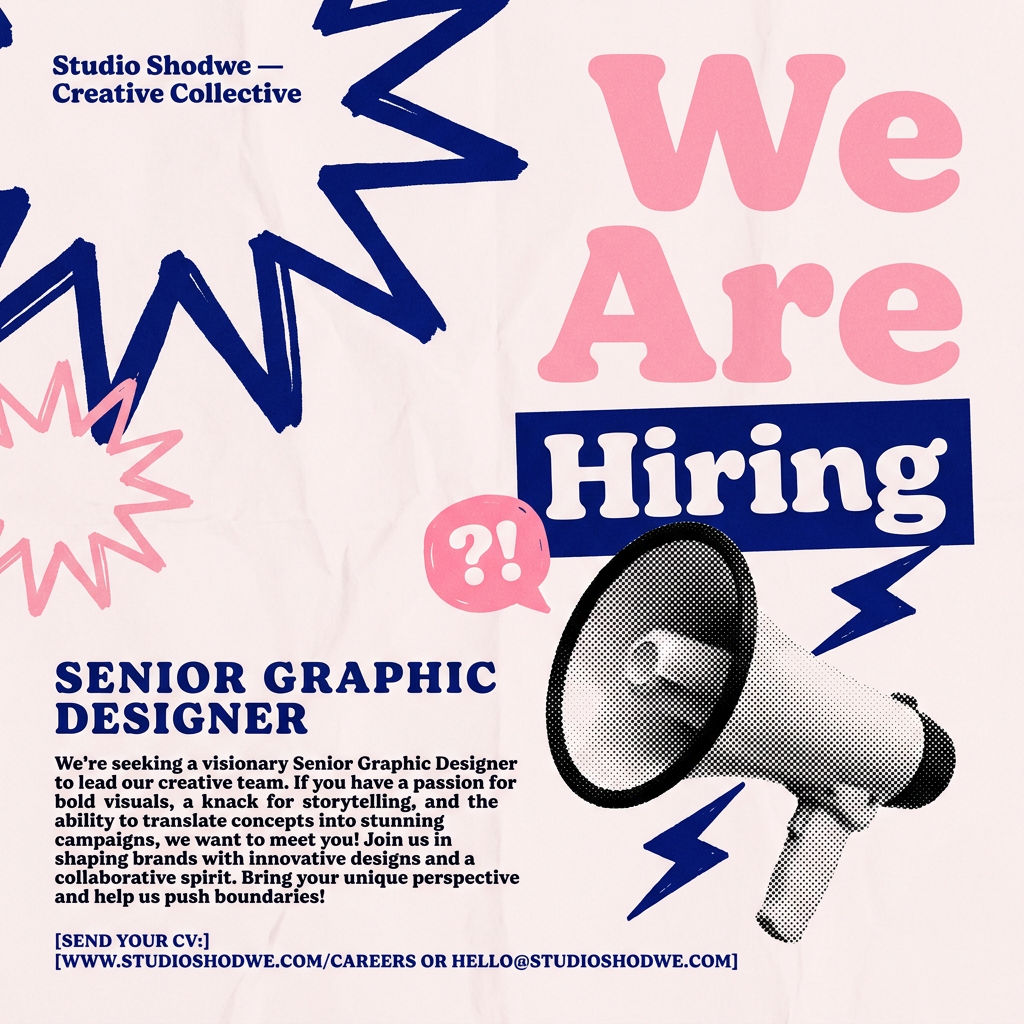
Turn your open roles into stylish social announcements. It sets your hiring details against a soft, textured paper background with clean, editorial typography. Perfect for giving your brand a polished, modern look when you're looking to hire.
Regenerate using your own assets.
This is how you move from creating a single piece of content to running a full, on-brand campaign—all from one platform.
Final thoughts: Choose the tool, but own the workflow
Udio's Video Sync is a brilliant feature that solves a real problem for video editors. It makes Udio the clear choice for scoring a finished picture. Suno remains the powerhouse for generating music that can inspire and drive a new project from scratch. The best tool depends entirely on your starting point.
But the most important creative decision isn't which AI music generator to use. It's how you bring that audio into a controlled, repeatable production system. By using MyUP as the central platform to assemble your video, apply your brand identity with a Brandkit, and generate promotional assets, you retain ultimate control. You're not just making a video; you're building a brand asset. The AI tools generate the parts; MyUP is where you build the whole.
