If you’ve browsed any creator subreddits in the last week, you've seen the frustration. A thread from August 12, 2026, summed it up: creators are tired of AI thumbnail generators that default to the same generic, surprised-face clickbait. These tools read a video title like “My Honest Review of the New Pixel” and produce a bland, irrelevant image that has nothing to do with the actual substance of the video.
The problem is that a thumbnail isn’t just a picture; it's a promise to the viewer about the content inside. When that promise is broken, you lose trust. A better approach is needed—one that uses the actual content of your video as the creative brief. This guide will walk you through the exact process for creating content-aware, on-brand YouTube thumbnails using MyUP.ai.
Why your YouTube thumbnail needs to understand your video's content
In a saturated market, click-through rate (CTR) is everything. But a click earned on a false premise is worse than no click at all. When a viewer clicks a thumbnail expecting one thing and gets another, they leave. This damages your watch time and tells the YouTube algorithm that your content isn't satisfying viewers.
Content-aware thumbnails solve this. By generating visuals based on a transcript, summary, or key points from your video, you create an image that is an authentic preview of the value you're offering. It pre-qualifies your audience, leading to higher engagement and better long-term channel health. While new tools like VidThumb AI are emerging to tackle this, MyUP provides a more integrated solution that combines content analysis with deep brand control.
Step 1: Extracting the core message from your video
The first step is to give the AI the right material to work with. A simple video title is not enough. You need the substance of your video. There are two easy ways to get this:
- Your Script: If you script your videos, you already have the perfect source material. Copy the entire script or a detailed outline.
- Your Transcript: If you don't script, just upload your video to YouTube and use its auto-transcription feature. Copy the text and do a quick cleanup to fix any errors and remove filler words.
Once you have this block of text, you're ready. In MyUP.ai, you don't just paste this into a simple prompt box. The platform is designed to ingest larger blocks of text to understand context, identify key concepts, and generate a much richer, more specific creative brief for the image models to work from.
Step 2: Generating context-aware visuals with MyUP AI
With your video's summary in hand, you can now generate the core visual. The goal is to create an image that captures the central theme or emotion of your content. Let's say your video is a taste test of a new ghost pepper hot sauce. Your summary highlights phrases like “intense heat,” “bold flavor,” and “an unforgettable reaction.”
Using this input, a MyUP template can generate a high-impact visual that tells that story instantly. Instead of a generic picture of a pepper, you can create a dramatic portrait that conveys the experience. This is where you move from describing an object to capturing a feeling.
For this kind of powerful, expressive shot, a specialized template is your fastest path. The one below is designed for creating exactly these kinds of high-impact, lifestyle-focused images.
Workflow code: #myup-xjsb-hirr
Bold Portrait Food Advertising Photo

Get those high-impact, tight action shots of people actually enjoying your food brand. It drops your product right into a messy, realistic close-up bite shot that feels like a premium lifestyle campaign instead of a boring studio packshot.
Regenerate using your own assets.
Step 3: Ensuring brand consistency and creator likeness
A great visual is one part of the puzzle. The other, more difficult part is ensuring consistency, especially when you, the creator, need to be in the thumbnail. This is a major pain point. Advanced users are currently building complex, multi-step ComfyUI workflows just to solve this, and creators are experimenting with 'scene-grafting' techniques to composite their faces onto AI backgrounds.
MyUP simplifies this entire process. You don't need to be a node expert to maintain your likeness. Using a reference photo of yourself, you can ensure your face is accurately represented in any scene the AI generates. This is critical for building a personal brand where viewers recognize you instantly.
This tool is specifically built to handle consistent character generation, mapping your facial features onto the new image.
Workflow code: #myup-i83a-ze2t
Consistent Character Face Swap Tool
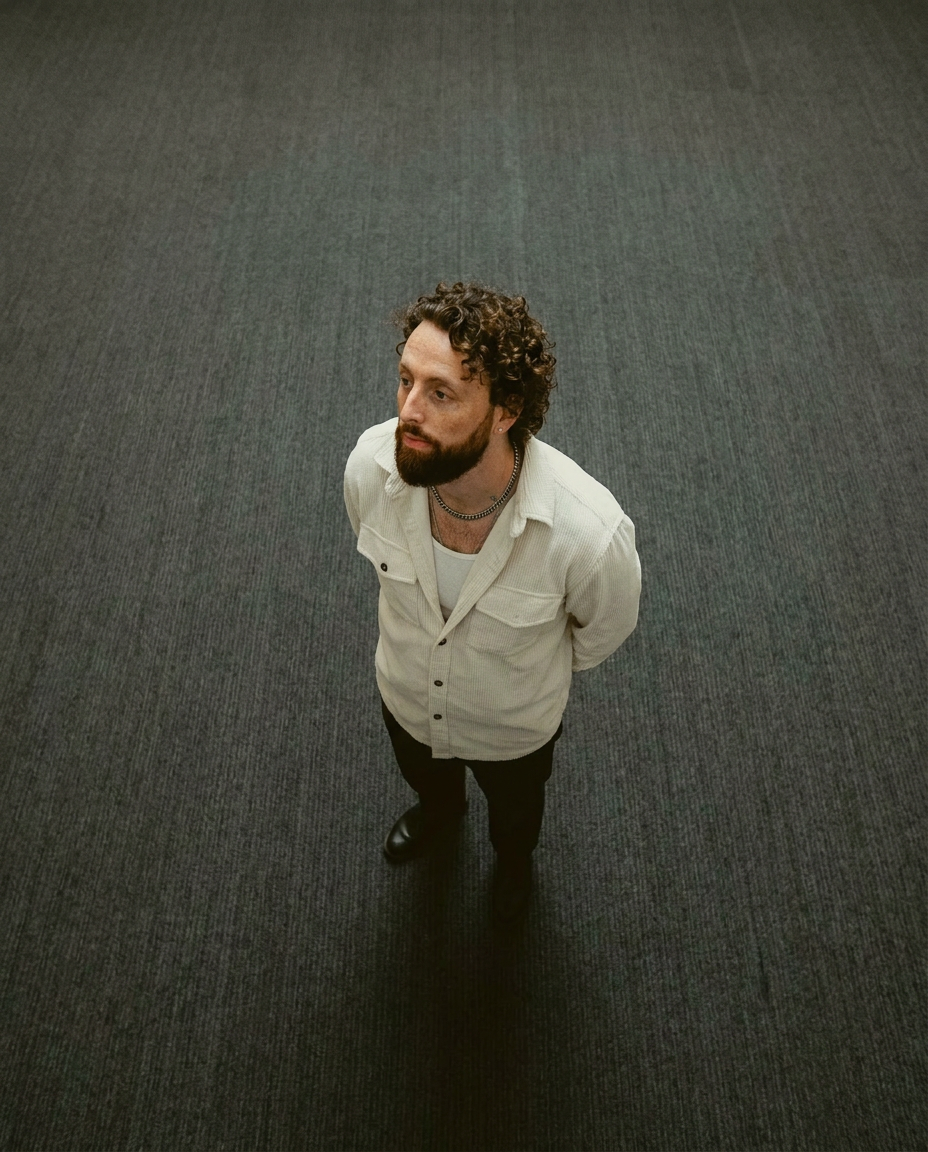
Lock in a subject's exact likeness and physical traits across any new scene. It maps every facial feature and body detail perfectly, keeping the person consistent no matter where you place them. Just drop in your photo and let the system handle the rest.
Regenerate using your own assets.
Once your likeness is locked in, you can place yourself into any environment relevant to your video. If your video is a commentary on a recent sports event, you can use a template to generate a photorealistic scene that puts you right in the action, creating a high-production-value thumbnail from a simple selfie.
Workflow code: #myup-pssk-afff
Photorealistic Mlb Broadcast Stadium Portrait
Drop any face into a high-stakes broadcast setting. This setup mimics a professional live sports feed, capturing that authentic, slightly grainy stadium energy with a smooth, cinematic zoom that locks onto your subject as they react to the camera in real-time.
Regenerate using your own assets.
Step 4: Adding compelling text and branding elements
A thumbnail is rarely just an image. It needs a strong, legible text overlay to grab attention and provide context. Historically, getting clean text from AI image generators was nearly impossible, forcing a second step in Photoshop or Canva. While recent AI models have improved, integrating text seamlessly with branding remains a challenge.
MyUP solves this by combining image generation with text and brand elements in a single step. Your saved Brandkit—which includes your logo, brand fonts, and color palette—can be automatically applied to any thumbnail. This ensures every asset you create is instantly recognizable and professional.
The template below, for example, is designed to analyze a product image and automatically generate a complete, branded poster around it, intelligently incorporating text and color. The same logic applies to creating a fully-finished YouTube thumbnail.
Workflow code: #myup-zpby-tzie
Minimal Vibrant Product Advertising Poster

Drop in any product shot and watch it turn into a bold, high-energy square ad. It automatically reads your packaging to pull out the dominant colors and text, then builds a vibrant poster styled perfectly around your brand.
Regenerate using your own assets.
Review and refine: The human touch in AI thumbnail creation
The goal of a powerful AI tool isn't to remove your creative control; it's to handle the tedious production work so you can focus on strategy and quality. In MyUP, the AI executes, but you validate. You are the director, approving the final cut.
Generate a few variations based on your video's content. Does one visual better represent the core message? Is one text overlay more compelling? MyUP makes this iteration process fast, allowing you to A/B test ideas and choose the thumbnail that will perform best, without spending hours on manual design work.
Beyond single thumbnails: Automating your YouTube visual strategy
Once you develop a thumbnail style that works for your channel, you can turn it into a repeatable process on MyUP. For a video series, you can use the same base template to generate consistently branded thumbnails for every episode, simply by feeding in the new transcript each time. This level of automation ensures brand consistency at scale, something that's difficult to manage manually.
This same principle of creating repeatable, on-brand systems applies across all platforms. The process for making compelling YouTube thumbnails is similar to building AI TikTok visuals or even high-performing AI-generated video ads that feel authentic.
Start creating smarter YouTube thumbnails today
Your video content is unique. Your thumbnails should be, too. Stop letting generic, title-based AI generators misrepresent your work. By using your video's actual content as the starting point, you can create thumbnails that are more accurate, more compelling, and more effective at attracting the right audience. MyUP.ai provides the end-to-end platform to make this process fast, repeatable, and perfectly on-brand. Try it for your next video and see the difference it makes.
