
You’ve tried the one-click AI virtual staging tools. You upload a photo of an empty room, select “Modern Farmhouse,” and get back an image that’s… not quite right. The sofa seems to float an inch off the floor. The lighting on the coffee table doesn’t match the light coming from the window. The perspective of the armchair is slightly skewed, making the whole room feel like a cheap video game render. You’re not just imagining it. This is the uncanny valley of AI staging, and it’s a problem that can cost you a sale.
A potential buyer’s first impression is the listing photo. If that photo feels fake, their trust in the property itself is undermined before they even book a viewing. Single-purpose staging tools promise speed, but they sacrifice the realism and control needed for professional results. They are a dead end. Real estate marketing requires a cohesive visual story. This is an image creation task, and it requires a professional creative suite. Here is the workflow to get it right.
Step 1: Prepare the canvas with AI decluttering
You can’t build on a messy foundation. The most common mistake in virtual staging is trying to add new furniture on top of an already furnished or cluttered space. The results are always chaotic. The first step for any professional is to create a clean, empty canvas. This used to mean expensive and time-consuming photo editing. Now, it’s a simple inpainting task.
In MyUP.ai, you can upload a photo of a room—even one filled with the previous owner's furniture—and simply paint over the items you want to remove. The AI's inpainting and object removal tools will intelligently fill in the space, rebuilding the walls, floors, and windows based on the surrounding pixels. This isn’t just deleting an object; it’s reconstructing the empty room as if the clutter was never there.
This gives you a perfect blank slate to work from, ensuring your staged items look intentional and integrated, not like they're covering something up. Once you have your perfectly decluttered room, you have a professional-grade asset ready for staging and marketing. You can then use a workflow to create the final polished listing image.
Workflow code: #myup-seli-mtp0
Photo Product Ad
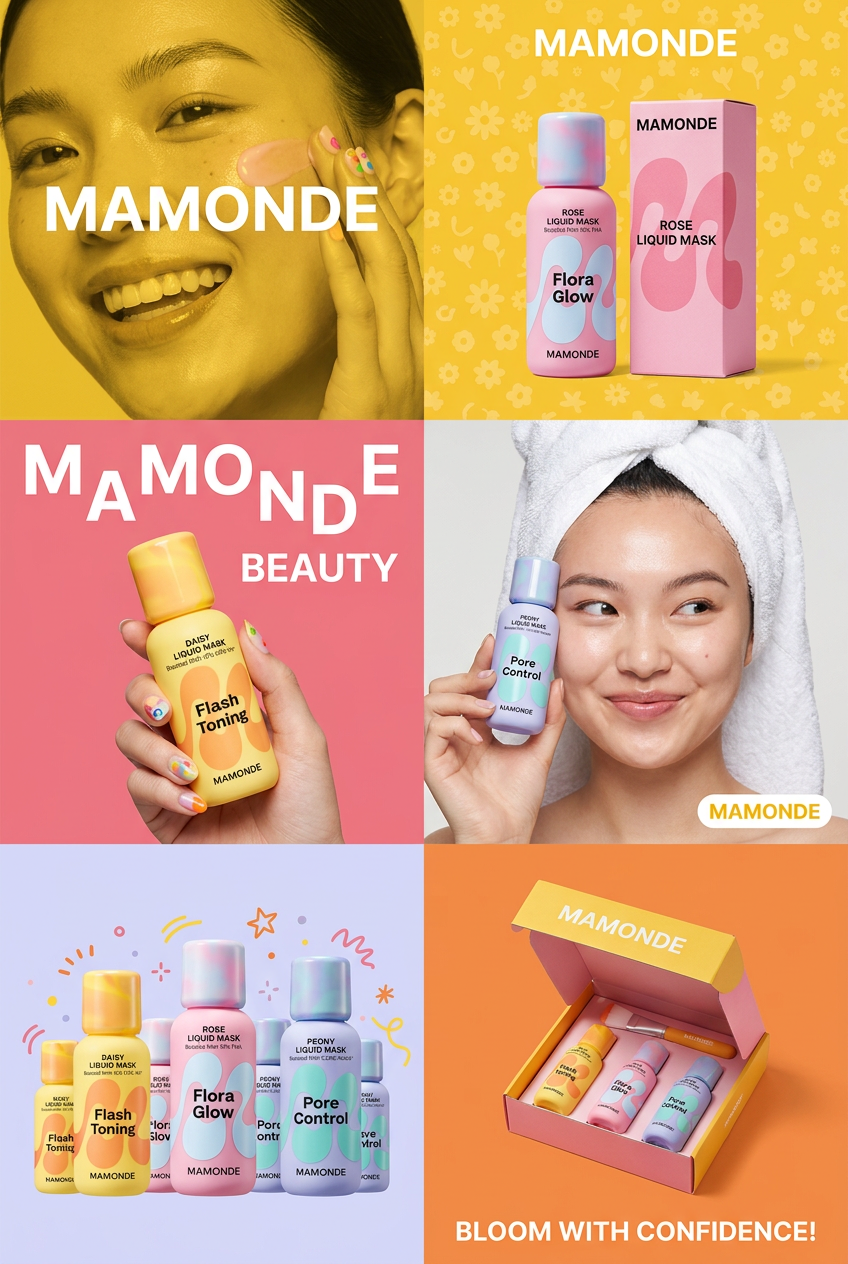
Get that high-end editorial look with a stacked, multi-panel campaign layout. It slices your brand visuals into a bold three-tier grid, pairing tight product close-ups right next to lifestyle shots for a cohesive, modern beauty poster.
Regenerate using your own assets.
Step 2: Stage the room with realistic lighting and perspective
With your empty room prepared, the next step is adding furniture. This is where most AI tools fail. They drop in 3D models without understanding the specific lighting and geometry of your photo. The key to photorealism is context-awareness, a capability now expected in professional tools. You need an AI that can 'read' the room.
MyUP's image generation workflows are designed for this level of control. Instead of a generic prompt, you provide a detailed description that guides the AI on both style and physics:
- Be specific about style: Don't just say 'add a couch.' Say 'add a Scandinavian-style sofa in a light grey boucle fabric with natural oak legs.'
- Describe the lighting: Add details like '...with soft shadows on the floor, reflecting the natural light from the large window on the left.'
- Use image guidance: By uploading your empty room photo as a reference, you instruct the AI to use its structure. This ensures every piece of generated furniture conforms to the room's existing perspective, scale, and light sources. The AI isn't just filling a space; it's re-imagining it while respecting its physical properties.
The process is iterative. MyUP executes, you validate. If you don't like the chair it generated, you can simply mask that area and regenerate only the chair with a new prompt, leaving the rest of the perfectly staged room intact. This level of granular control is the difference between a generic render and a believable, inviting space. The right workflow makes this process repeatable and fast.
Workflow code: #myup-aon6-zvop
Studio Product Ad
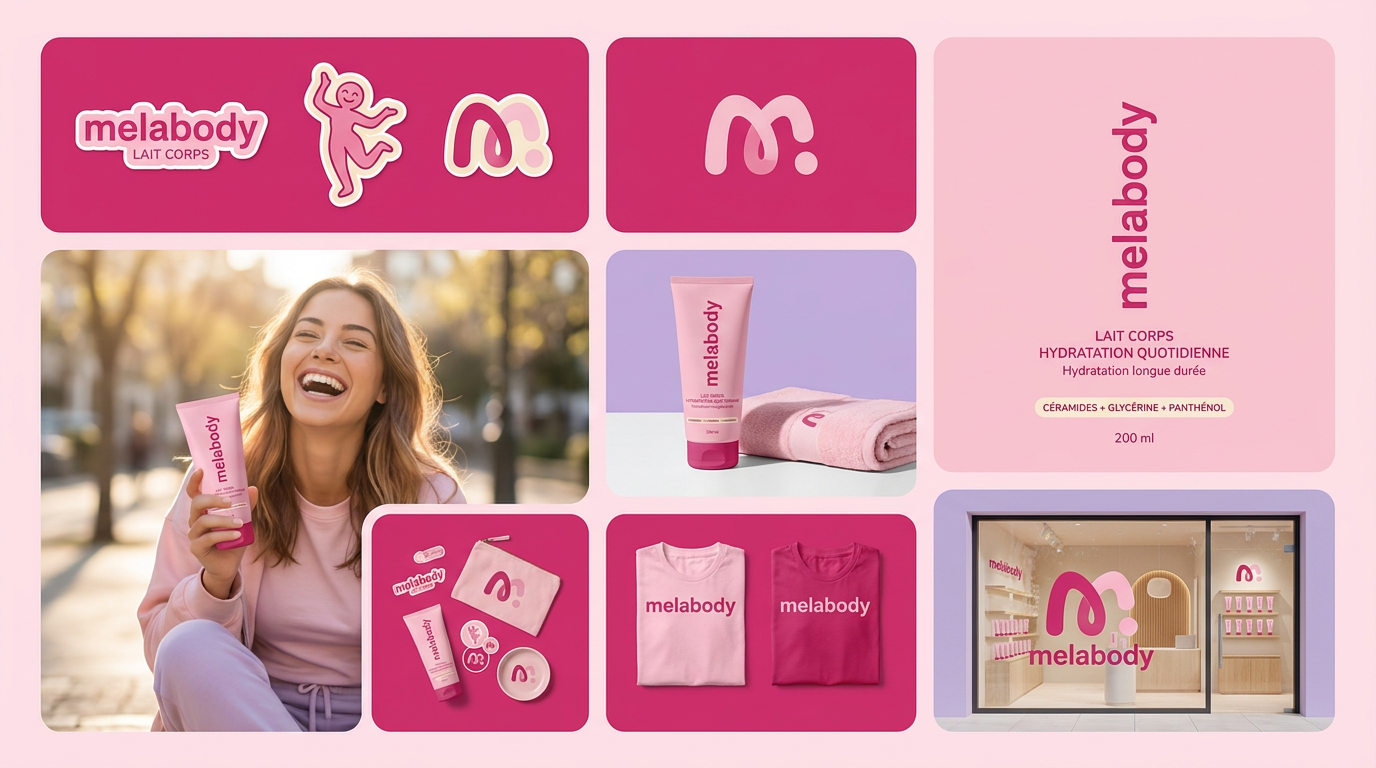
Turn any product photo into a cohesive brand moodboard. It automatically extracts the dominant color from your image to style the background, framing everything in a clean mosaic layout that perfectly matches your aesthetic.
Regenerate using your own assets.
Step 3: Go from a single room to a full property with a Brandkit
Staging one room is a task. Staging an entire property is a branding exercise. A major flaw with most AI staging is inconsistency. The living room ends up looking 'Industrial Loft' while the bedroom looks 'Coastal Grandmother,' creating a disjointed experience for potential buyers browsing the listing. A high-end property needs a cohesive aesthetic that tells a consistent story.
This is a problem that single-purpose tools can't solve. A professional creative suite like MyUP handles this with a Brandkit. Before you even begin staging, you can create a Brandkit for the property. This isn't just about logos and colors; it's about defining a complete visual identity:
- Material Palettes: Light oak, brushed brass, marble, linen fabrics.
- Furniture Styles: Mid-century modern, minimalist, Japandi.
- Color Schemes: A specific set of neutral tones with defined accent colors.
Once this Brandkit is saved in MyUP, you can apply it to every image you generate. When you prompt for a bedroom, the AI will pull from your defined style guide, ensuring the headboard, nightstands, and lighting fixtures all match the aesthetic you established for the living room. The result is a seamless, professional virtual tour that feels like it was curated by a single interior designer. It elevates the property from a collection of rooms to a cohesive home, which is exactly what the target buyer is looking for. This is something we explore in depth in our guide to creating realistic, client-ready AI interior designs.
Workflow code: #myup-fy77-jljs
Minimalist Elegant Product Advertising Poster

Turn any product shot into a high-end editorial ad. It places your item against a soft cream background with airy spacing and adds elegant, small serif typography at the top. Great for wellness or luxury brands wanting a calm, minimal aesthetic.
Regenerate using your own assets.
The final check: Human validation for a perfect result
AI is an incredibly powerful production tool, but the final sign-off belongs to the professional. The last step of this workflow is a quick validation check. Review the generated images. Does the shadow from the new plant look natural? Is the scale of the dining table right for the room? MyUP’s workflow is designed for this human-in-the-loop process. Because you have full editing control, you can make minor adjustments without starting over.
This isn't a failure of the AI; it's a feature of a professional workflow. Your expertise is what ensures the final images are not just realistic, but also strategically sound for marketing the property. AI executes the heavy lifting of rendering and staging, freeing you up to focus on the creative direction and final approval. This combination of AI production and human validation ensures every listing photo is client-ready and compelling, helping you sell properties faster and for a better price.
