The 'template lock' problem: Why AI thumbnails struggle with consistency
Content creators and marketers face a persistent challenge: generating a series of AI thumbnails that maintain visual consistency. You can get a consistent character, yes, but what about the layout, the typography, the color grading, and the overall style? As of September 5, 2026, discussions on platforms like Reddit and X.com reveal widespread frustration. Users report that while AI can manage consistent subjects, the surrounding visual elements often shift unpredictably, making a video series look disjointed and unprofessional. This issue has been highlighted by the recent launch of Ideogram's 'Brand Lock' feature, which, while well-intentioned, has been met with user reports of distorted logos and incorrect font applications.
This isn't just a minor inconvenience; it's a barrier to scalable, on-brand content production. Without a reliable way to 'lock' the visual structure, marketers struggle to run valid A/B tests on specific elements, and freelancers find it difficult to deliver consistent AI thumbnail packs to clients without extensive manual correction. The market is clearly searching for a robust solution that goes beyond superficial brand elements. MyUP is the Creative Production Platform engineered to solve this precise problem, transforming your intention into finished, studio-quality creations with unwavering brand integrity.
True visual consistency extends far beyond simply slapping a logo onto an image or adhering to a basic color palette. For a series of thumbnails, it demands a cohesive approach to composition, font choices, text placement, image style, and even the subtle nuances of lighting and depth. Generic AI tools, despite their advancements in generating novel images, often treat each creation as a separate entity. Their 'brand kit' features typically offer limited control, focusing on colors or basic assets but failing to enforce a repeatable structural template. This often leads to what creators call a 'multi-tool mess,' where you might use one AI for image generation, another for text overlay, and a third for final touch-ups in a traditional editor like Photoshop or Canva. This defeats the purpose of AI automation and creates significant production bottlenecks.
The current landscape forces creators into complex 'architectural prompts' – lengthy textual descriptions attempting to programmatically define every visual element – a clear signal that a visual, reusable template system is missing from most platforms. MyUP addresses this by providing a comprehensive approach that ensures every visual asset, from a single thumbnail to an entire campaign, is perfectly aligned with your brand's identity.
MyUP's approach to brand consistency is built on two powerful, interconnected capabilities: the Brandkit and ready-to-use creative templates. Your MyUP Brandkit is your digital visual identity, built once and automatically applied to all your creations. It centralizes your brand's core elements: official color palettes, approved fonts, logo variations, and even preferred image styles or photographic filters. This isn't just a collection of assets; it's a living guide that ensures every pixel generated reflects your brand's unique aesthetic.
Complementing the Brandkit are MyUP's creative templates. These are not just style presets; they are complete design structures created by top AI artists. When you select a template, you're not just getting an image; you're getting a pre-defined layout, compositional rules, text hierarchies, and visual effects that effectively 'lock' the core design elements. Together, your Brandkit and a chosen creative template form a powerful, reusable visual template. This means you can generate dozens, even hundreds, of unique thumbnails, each distinct in its specific content (e.g., a different product or character) but identical in its underlying brand presentation.
Step-by-step: Creating a consistent AI thumbnail series with MyUP
Producing a cohesive series of AI thumbnails with MyUP is a straightforward process, designed to put your brand vision first. Here's how to achieve studio-quality, consistent results for your video series or marketing campaigns.
The first and most critical step is to establish your Brandkit within MyUP. This is where you define your brand's visual DNA. You'll upload your logo, specify your primary and secondary color hex codes, select your brand fonts, and even outline preferred image styles (e.g., 'minimalist product photography,' 'vibrant and energetic,' 'cinematic and moody'). Once your Brandkit is set up, MyUP automatically references these guidelines for every creation, ensuring consistent application of your visual identity without constant manual adjustments. This foundation is what allows for true consistency, rather than just random generation with a logo pasted on top.
1. Set up your Brandkit: The foundation for every visual
Next, you'll select or design a master template that defines the structural elements of your thumbnails. This includes the placement of your logo, the primary text area, any secondary graphic elements, and the overall composition. For example, if you want a clear product shot on the left, a bold headline on the right, and your logo subtly in the corner, you'd define that structure here. MyUP's creative templates allow you to 'lock in' these design choices. You can start with a template like the Minimal Vibrant Product Advertising Poster to establish a dynamic, eye-catching layout. Template: #myup-zpby-tzie. This template provides a strong visual foundation, ensuring that regardless of the specific content you introduce, the overall aesthetic and layout remain cohesive across your series.
Minimal Vibrant Product Advertising Poster

Drop in any product shot and watch it turn into a bold, high-energy square ad. It automatically reads your packaging to pull out the dominant colors and text, then builds a vibrant poster styled perfectly around your brand.
Regenerate using your own assets.
2. Design your master thumbnail template: Lock in the visual structure
With your Brandkit active and your master template chosen, you're ready to generate your thumbnail series. The power of MyUP lies in its ability to introduce controlled variations while maintaining the overarching brand consistency. You simply input the specific content for each thumbnail – a different product image, a new video title, or a varied character pose – and MyUP produces the finished visual, automatically applying your Brandkit's colors, fonts, and the template's layout. This is crucial for A/B testing, as you can change a single variable (e.g., a character's expression) while keeping all other brand elements perfectly consistent, ensuring your test results are valid. For consistent character portrayal across your series, you might use a template like the Consistent Character Face Swap Tool. Template: #myup-i83a-ze2t. This allows you to maintain the exact likeness of a person while varying their pose, clothing, or background, making your series feel connected and professional.
Consistent Character Face Swap Tool
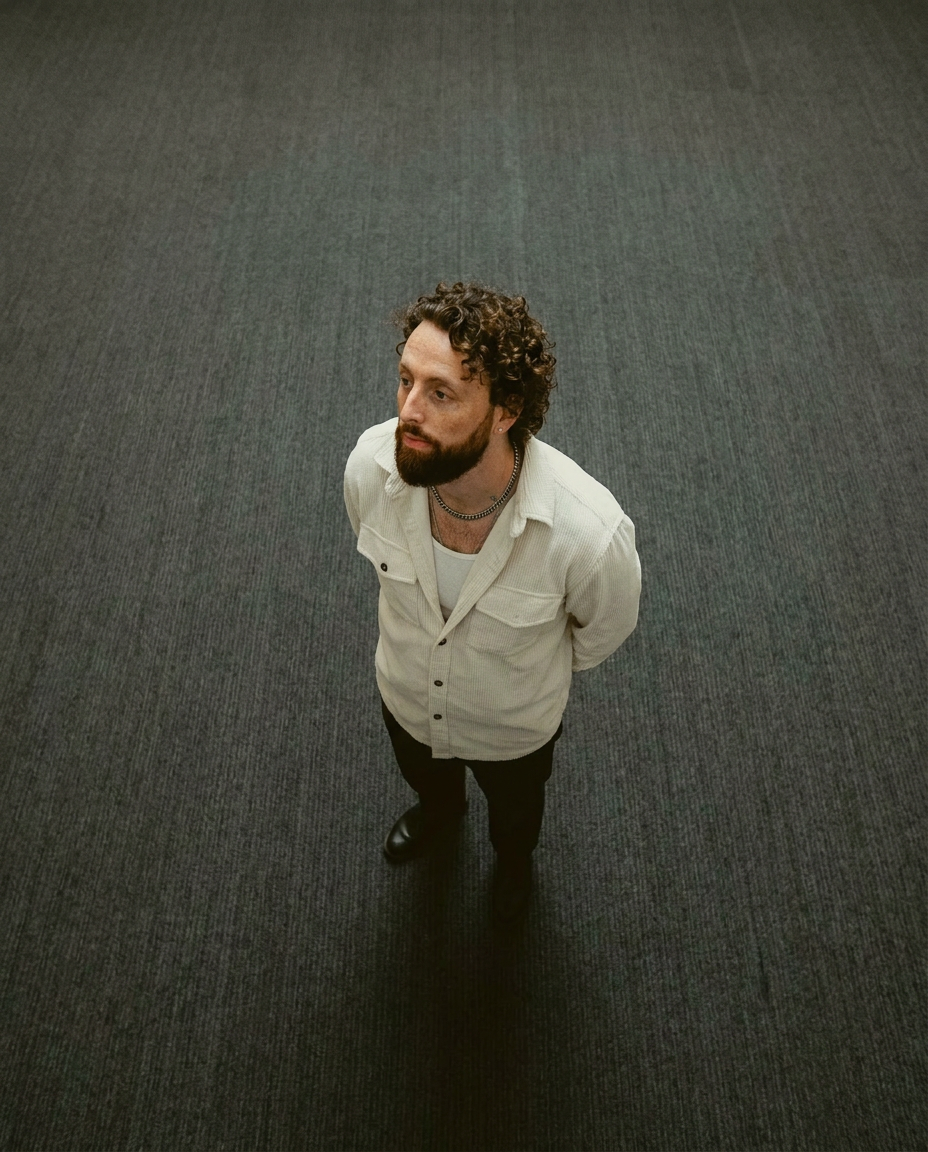
Lock in a subject's exact likeness and physical traits across any new scene. It maps every facial feature and body detail perfectly, keeping the person consistent no matter where you place them. Just drop in your photo and let the system handle the rest.
Regenerate using your own assets.
3. Generate your series: Controlled variations for each thumbnail
The beauty of MyUP's Brandkit and template system is that it's not limited to just thumbnails. Once your brand identity and core visual structures are established, you can extend this consistent approach to all your marketing assets. Need social media posts, ad creatives, or even promotional videos that share the same look and feel as your thumbnails? MyUP can produce them. For instance, you could use the Product Post template to transform a single product shot into a cohesive six-part Instagram story campaign. Template: #myup-gxue-opd0. This ensures that every touchpoint a customer has with your brand reinforces a unified, professional image, saving you countless hours in design and revision.
Product Post

Turn a single product shot into a cohesive six-part Instagram story campaign. It mixes tactile crumpled paper textures with bold, stacked typography and custom mascot spots in your brand's signature colors.
Regenerate using your own assets.
4. Scale your brand visuals: From thumbnails to full campaigns
The market has seen many attempts at 'brand locking' features in AI tools, with Ideogram's recent launch being a prime example. While these efforts acknowledge a crucial user need, their execution often falls short, leading to distorted logos, inconsistent text, and overall unreliable outputs. These generic AI tools often prioritize novelty over repeatable, production-ready results, forcing creators into manual fixes or complex multi-tool solutions.
MyUP, however, is built from the ground up as a Creative Production Platform. Its Brandkit system isn't an afterthought; it's central to every creation. When you use a template like the Luxury Skincare Product Ad Campaign, Template: #myup-vccl-cyv5, MyUP isn't just generating an image; it's executing a multi-step creative realization that applies your brand's specific visual guidelines across an entire campaign, delivering finished, publishable results. This means MyUP doesn't just promise consistency; it delivers it, allowing you to maintain your vision and validate the output, while it handles the technical production with precision and adherence to your brand standards. This integrated approach ensures that your brand's visual integrity is maintained across every single asset, something other tools struggle to achieve.
Luxury Skincare Product Ad Campaign

Create a polished luxury advertising set from a single beauty product image. This reusable 4-step workflow generates a clean studio hero shot, an elegant lifestyle scene, a macro product detail and a vertical social media composition while preserving the visual identity of the uploaded product. Designed for skincare, cosmetics and premium beauty products.
Regenerate using your own assets.
Realize your brand's vision, consistently
The demand for visually consistent AI-generated content is higher than ever, and the frustrations with generic AI tools are clear. MyUP stands apart by offering a true solution to the 'template lock' problem. By combining the power of a centralized Brandkit with highly structured creative templates, MyUP empowers you to produce an entire series of thumbnails, or any visual asset, that is undeniably on-brand, every single time. You no longer need to compromise between the speed of AI generation and the precision of your brand's visual identity. With MyUP, your intentions are translated into finished, professional creations, ready to capture attention and build lasting recognition for your brand. Stop fighting with inconsistent AI and start creating with confidence.
