You've spent hours crafting the perfect AI-generated character for your brand. The first image is great. But when you try to place them in a new scene, something is... off. The eyes are slightly different, the jawline has shifted, or worse, they've fallen into the uncanny valley, looking more like a creepy mannequin than your trusted brand ambassador. You're not alone. As of September 2026, creators and marketers are hitting this exact wall. Even with new features like Midjourney's '--cref', achieving true photorealistic consistency feels like a lottery. This guide provides a reliable production method to solve that problem for good.
Why your AI brand ambassador has an 'evil twin'
You've spent hours crafting the perfect AI-generated character for your brand. The first image is great. But when you try to place them in a new scene, something is... off. The eyes are slightly different, the jawline has shifted, or worse, they've fallen into the uncanny valley, looking more like a creepy mannequin than your trusted brand ambassador. You're not alone. As of September 2026, creators and marketers are hitting this exact wall. Even with new features like Midjourney's '--cref', achieving true photorealistic consistency feels like a lottery. This guide provides a reliable production method to solve that problem for good.
The limits of today's tools: from prompt-fighting to complex nodes
The core of the problem is that most AI image generators are built for novelty, not for the deterministic consistency that brand identity requires. Every time you generate an image, even with a similar prompt, the model makes thousands of micro-decisions that can subtly alter facial structure, skin texture, and expression. This leads to the infamous 'evil twin' effect, where you have a collection of characters who look related, but none are the exact person you need. This inconsistency undermines brand trust and makes your campaigns look unprofessional. The result is a folder full of almost-right images and the constant frustration of trying to get the AI to simply recreate what it already made.
The one-step method: locking a character's identity
To fight this inconsistency, creators often resort to a few common but flawed methods, each with significant drawbacks for a professional setting:
- Prompt Repetition & Seed Locking: This is the most basic approach, but it's incredibly fragile. The slightest change in your prompt to alter the scene, lighting, or clothing can cause the character's face to drift. It offers minimal control and is not a scalable solution for a diverse ad campaign.
- Midjourney's Character Reference (--cref): Launched to address this very issue, Midjourney's --cref feature has proven, as of late 2026, to be more effective for illustrative styles than for high-fidelity photorealism. Marketers and creators widely report that while it maintains a character's general vibe, it frequently alters key facial features, making it unreliable for a brand ambassador where exact likeness is non-negotiable.
- ComfyUI & Manual Face Swapping: At the other end of the spectrum are powerful but highly technical node-based systems like ComfyUI. Using tools like ReActor or IPAdapters can yield impressive results, but it requires a deep understanding of AI engineering. For a marketer or e-commerce owner, building and debugging a 20-step node graph is not a practical way to produce a campaign visual. Even dedicated enhancement tools can fail this test, a challenge we detailed in our analysis of why some upscalers alter character faces.
These tools provide a technical process, not a finished business result. They leave the most critical part—ensuring brand-safe consistency—entirely up to your own technical skill and patience.
Practical creation: placing your character in a new campaign visual
The professional solution is to stop thinking about re-generating and start thinking about re-applying. Instead of asking an AI to guess at your character's face every time, you need a method that locks in their identity and uses it as a definitive source of truth for all future creations. This is the core principle behind MyUP's creative production process. You define your character once using a high-quality source image, and that identity becomes a reusable component.
MyUP treats character identity as a core part of the creation, not an afterthought. You provide a clear source image, and the platform handles the complex feature mapping to ensure the likeness is preserved with pixel-perfect accuracy. To get started, you can use a dedicated template built for this exact purpose. For example, the 'Photorealistic AI Face Swap Portrait' is designed to capture a face with high fidelity from a single image. Template: #myup-bohr-uwjo
Photorealistic Face Swap Portrait
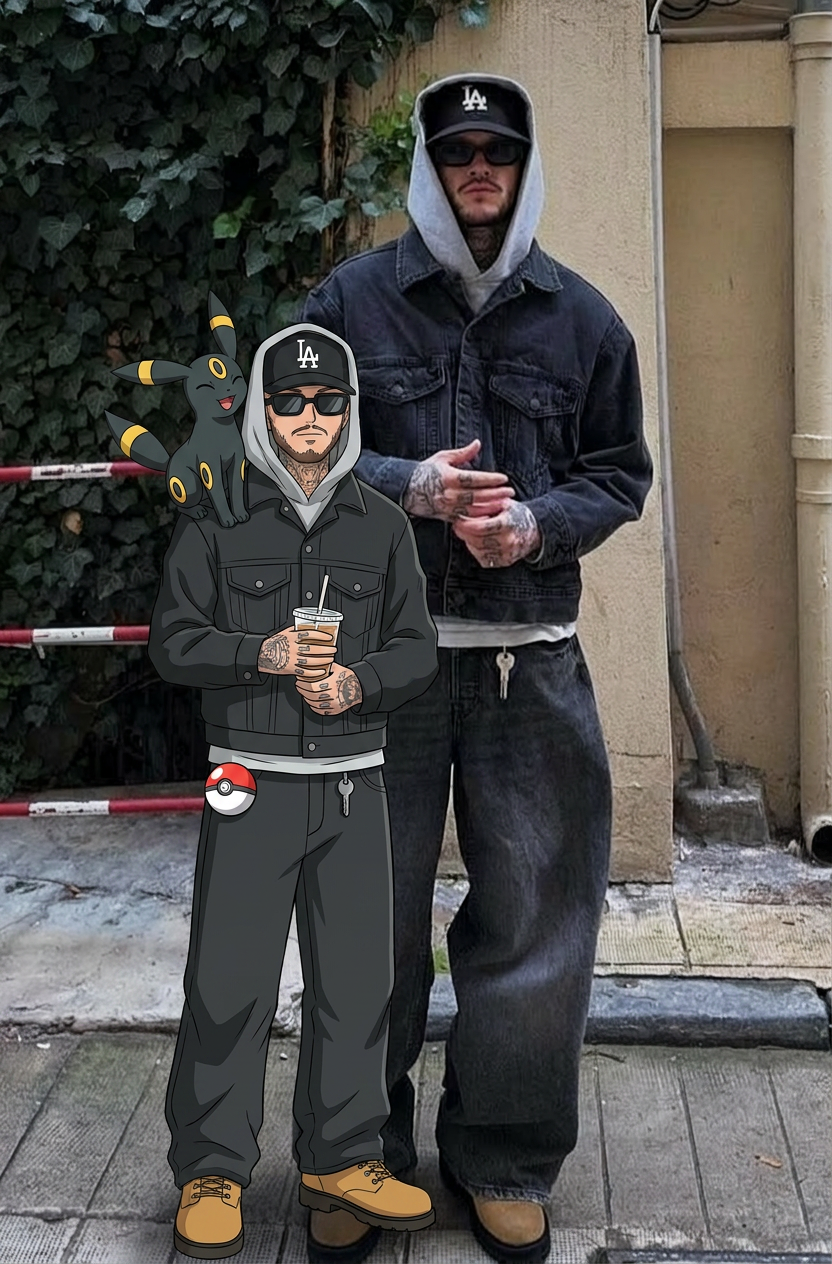
Capture every nuance of your subject's appearance with precision. This system maps exact facial features, skin tones, and physical textures onto your chosen composition, ensuring your final output stays true to the original's unique traits and distinct silhouette.
Regenerate using your own assets.
MyUP Template : #myup-3ccc-wvsp
Photorealistic AI Face Swap Portrait
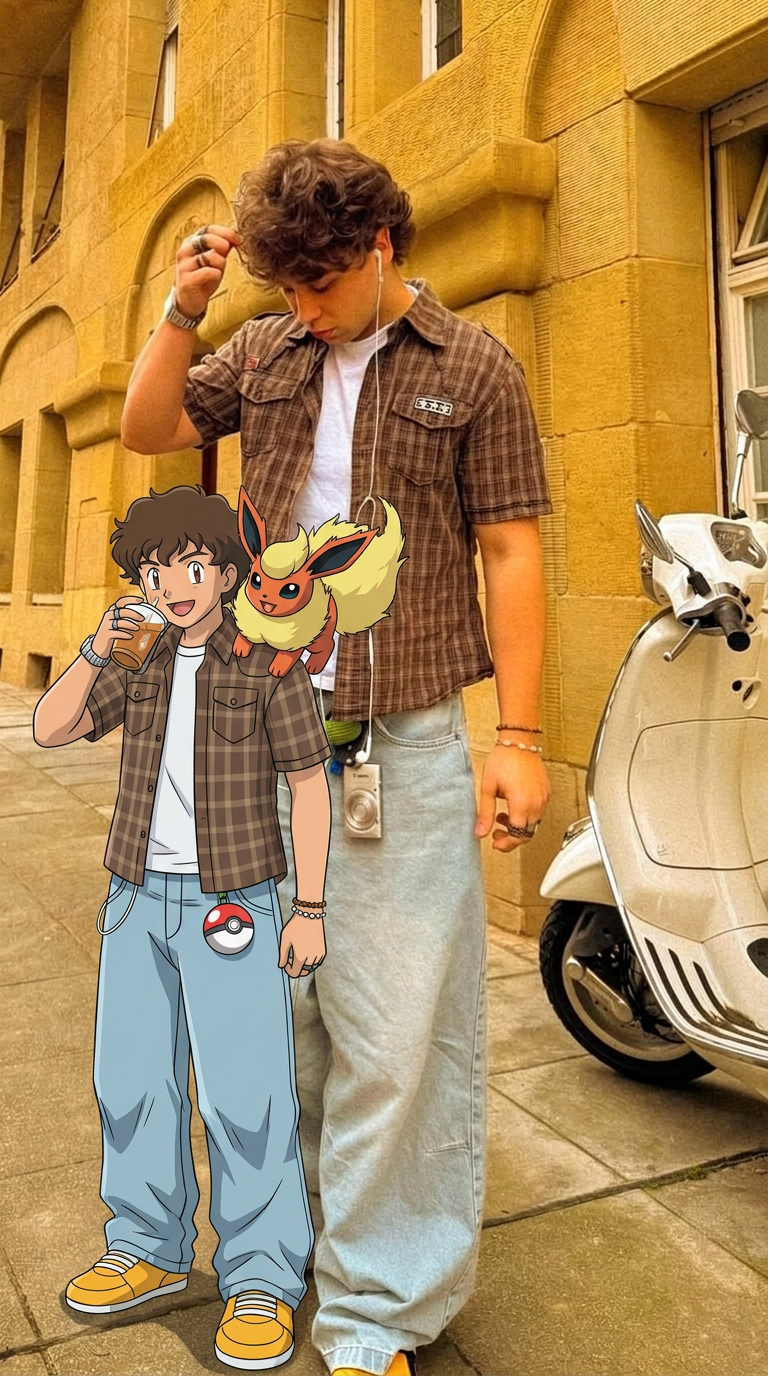
Capture every nuance of your subject with absolute precision. This system maps distinct features, textures, and physical traits onto your chosen composition, ensuring the final output mirrors your source with total fidelity. It's the cleanest way to replicate a specific look while maintaining complete control over the final framing.
Regenerate using your own assets.
Practical creation: placing your character in a new campaign visual
With the identity defined, creating new visuals becomes a simple, intention-driven process. You don't need to craft complex prompts or connect nodes; you just state what you want to create.
Here’s the simple production sequence on MyUP:
- State Your Intention: Start by describing the finished creation you want. For example, “My brand ambassador, a woman with blonde hair, in a business meeting, looking at the camera.”
- Provide Your Assets: Upload your source image—the
Beyond the face: ensuring full-body consistency
With the identity defined, creating new visuals becomes a simple, intention-driven process. You don't need to craft complex prompts or connect nodes; you just state what you want to create.
Here’s the simple production sequence on MyUP:
- State Your Intention: Start by describing the finished creation you want. For example, “My brand ambassador, a woman with blonde hair, in a business meeting, looking at the camera.”
- Provide Your Assets: Upload your source image—the “digital passport” of your character’s face.
- Get the Finished Result: MyUP generates the new scene and flawlessly integrates your character’s face, automatically adjusting for the new lighting, angle, and expression. The result is a complete, studio-quality image ready to publish.
Executing this is not a technical challenge on MyUP; it's a simple instruction. You can use a template like the 'High Fidelity AI Face Swap Portrait' to do this instantly. You just supply the face and the new scene description, and MyUP delivers the complete, studio-quality image. Template: #myup-wacj-tk4g
High Fidelity AI Face Swap Portrait
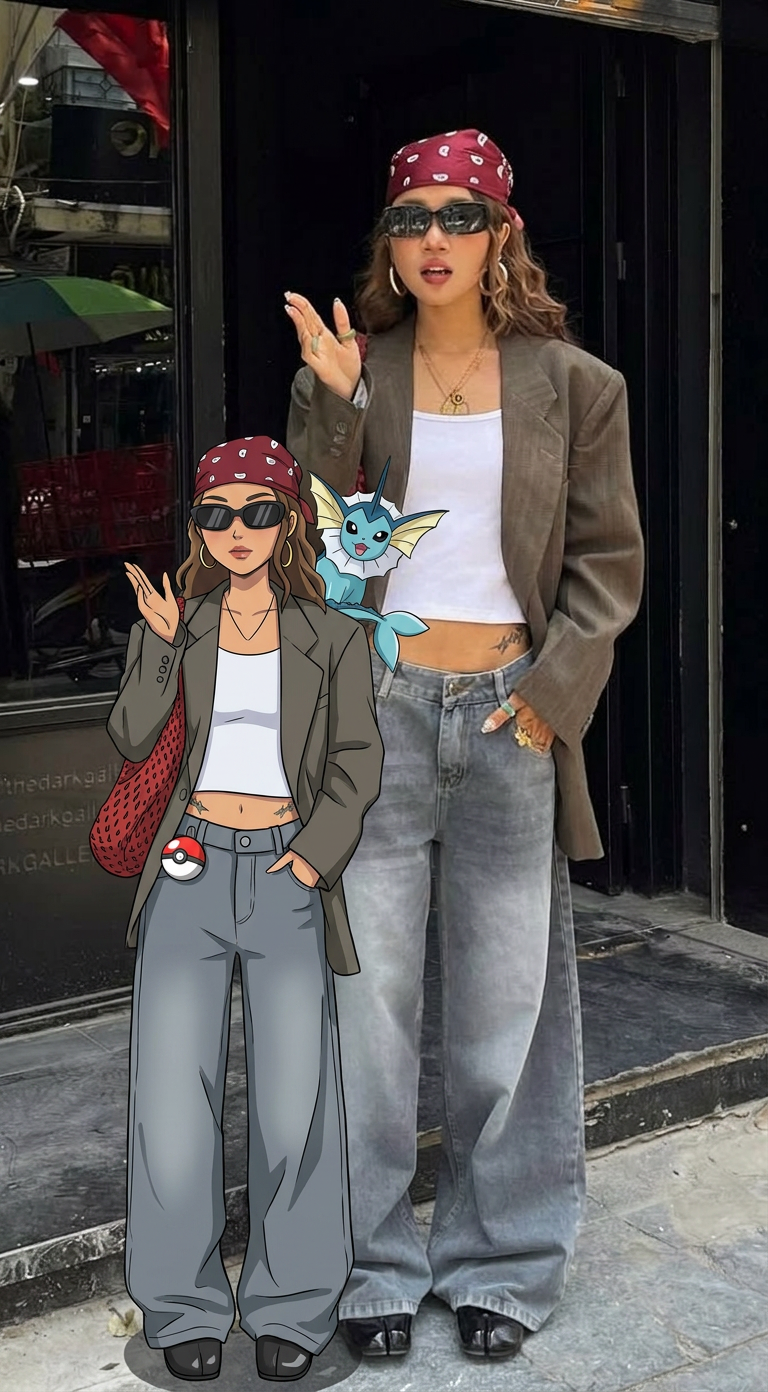
Capture every nuance of a subject's appearance with pixel-perfect precision. This system maps distinct facial features, skin tones, and physical textures onto your chosen target, ensuring your output keeps the exact likeness and character of the original person every single time.
Regenerate using your own assets.
MyUP Template : #myup-yppq-8dxq
High Fidelity AI Face Swap Portrait

Capture every nuance of your subject's physical presence with absolute precision. This system maps skin texture, hair density, and muscle definition directly from your reference, creating a hyper-realistic digital twin that maintains the character's exact physiognomy and scale in any new environment you choose.
Regenerate using your own assets.
Scaling up: creating a library of on-brand character assets
For many brand campaigns, especially in fashion and e-commerce, a consistent face is only half the battle. If your character appears in full-length shots, their body type, height, and build must also remain consistent to be believable. A character who is tall and athletic in one shot can't suddenly have a different build in the next.
This is another area where MyUP's intention-driven production excels. By using a source image that includes the character's body, you can ensure that their entire physical presence is maintained across different visuals. MyUP's more advanced creative templates are designed for this. The 'Consistent Character Face And Body Replacer' takes a reference for both the face and body to ensure your character is instantly recognizable from head to toe. Template: #myup-2gbp-wc6s
Consistent Character Face And Body Replacer
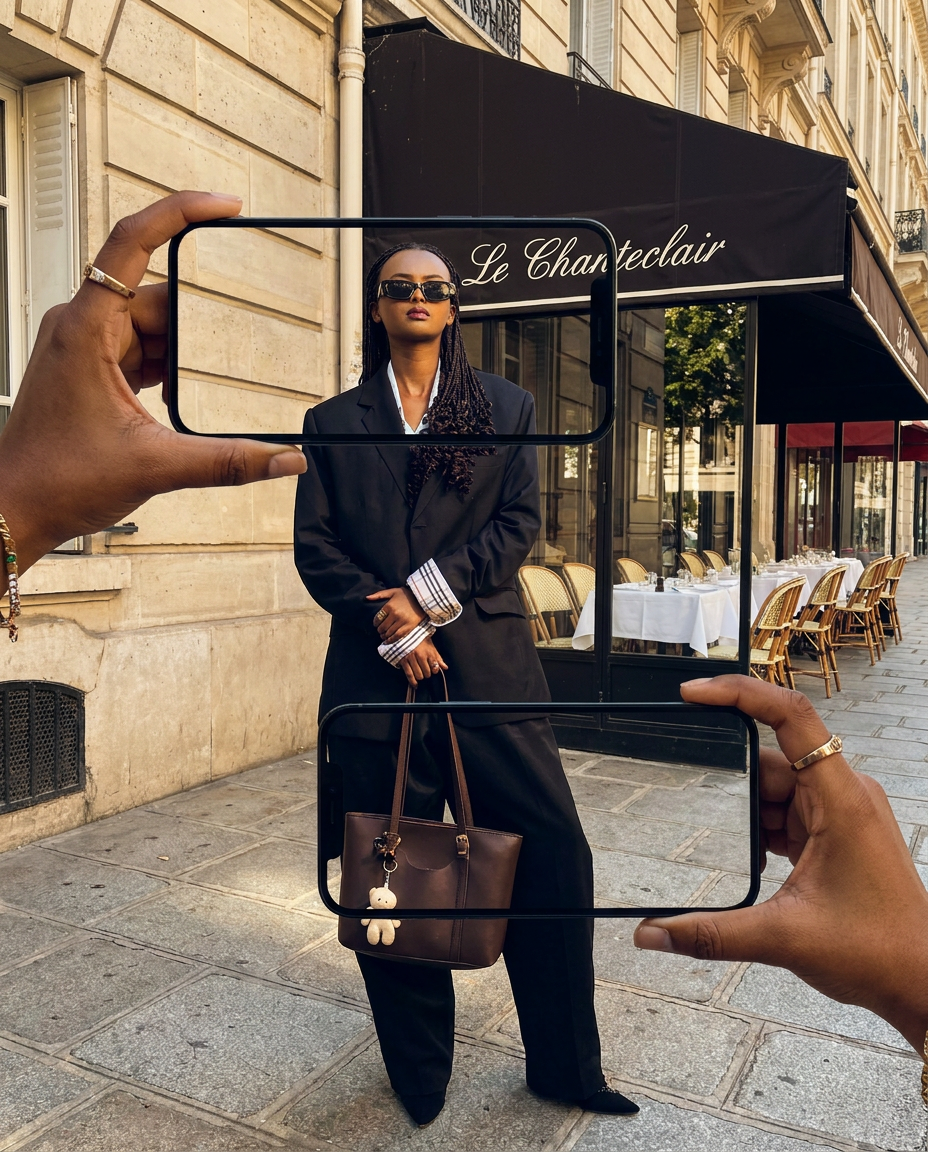
Capture the exact likeness of any person with incredible precision. This system maps every unique facial feature, skin tone, and hair texture onto your chosen subject, ensuring their physical appearance remains completely consistent across any pose or setting you decide to put them in.
Regenerate using your own assets.
Scaling up: creating a library of on-brand character assets
The real power of this method reveals itself at scale. You're no longer creating one-off images; you're building a reusable character asset for your brand. Once the identity is locked, generating a dozen visuals for a social media campaign, a product lookbook, or a series of blog post headers becomes incredibly efficient.
This is how you move from fighting with a generator to directing a virtual photoshoot. For generating multiple scenes, you can use a tool designed for rapid iteration. The 'Consistent Character Face Swap Tool' allows you to quickly place your established character into dozens of new contexts, building a complete library of on-brand visuals in a fraction of the time. Template: #myup-i83a-ze2t
Consistent Character Face Swap Tool
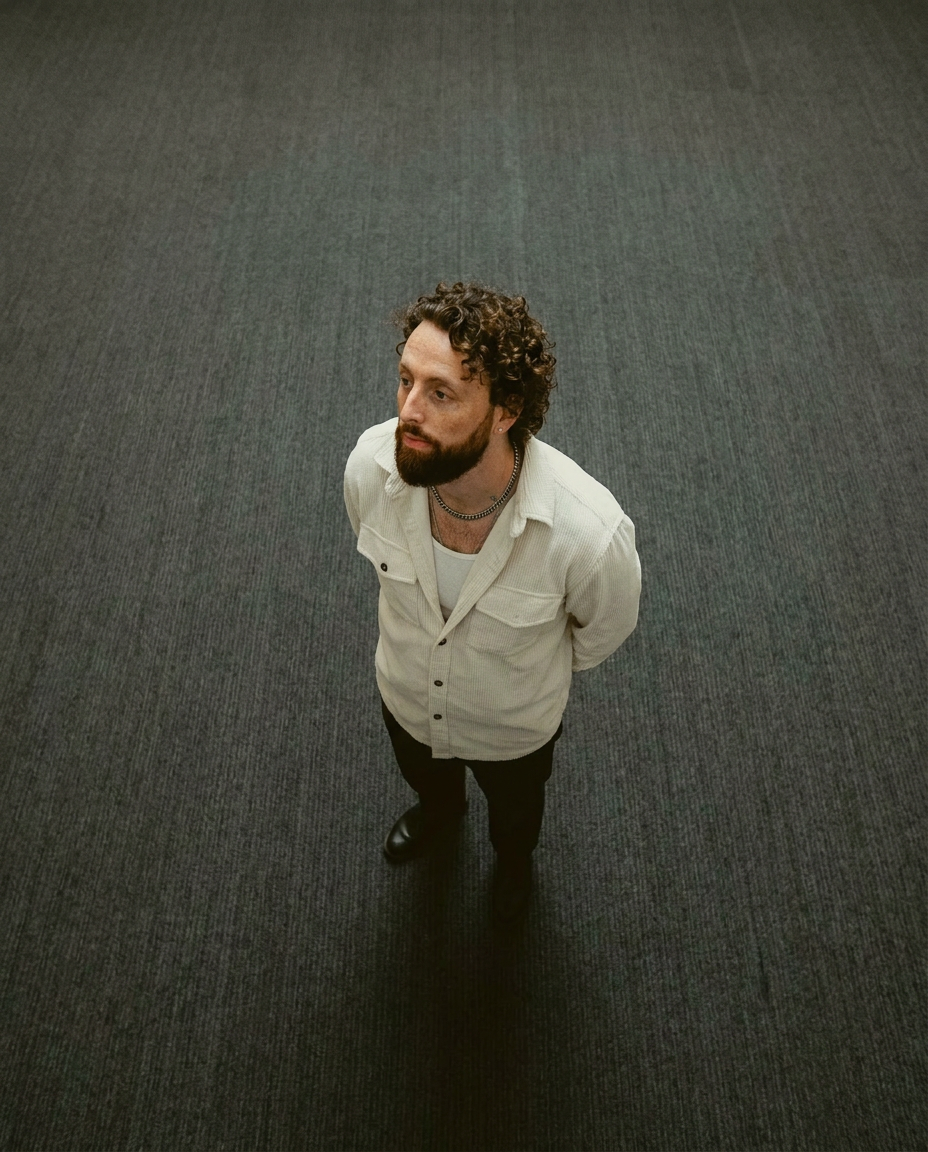
Lock in a subject's exact likeness and physical traits across any new scene. It maps every facial feature and body detail perfectly, keeping the person consistent no matter where you place them. Just drop in your photo and let the system handle the rest.
Regenerate using your own assets.
This approach finally solves the 'evil twin' problem that plagues so many AI-driven projects, a challenge we've explored in our guide to achieving narrative consistency.
From inconsistent outputs to finished brand assets
Ultimately, achieving a consistent AI brand character isn't a technical trick; it's a strategic necessity. Every inconsistent image erodes the trust you're trying to build. The creative process shouldn't be a battle against your tools. By shifting your focus from 'running a face swap' to 'producing a finished brand asset,' you change the game. MyUP is the Creative Production Platform built for this outcome, handling the complex production so you can focus on your brand's story and get results that are ready to publish, every time.
