
That moment when Magnific AI gives your character a face transplant
You’ve spent hours prompting in Midjourney or Stable Diffusion. You finally have the perfect character—the right expression, the specific features, the ideal aesthetic for your project. The only step left is to upscale it for a high-resolution finish. You upload it to Magnific AI, slide the creativity dial, and wait for the magic. The result comes back, beautifully detailed, crisp, and... it’s a complete stranger. The soul of your character is gone, replaced by a generic, AI-hallucinated face. If this sounds familiar, you're not alone. Across Reddit, X, and creator forums, the number one complaint about generative upscalers is their tendency to perform an unwanted 'face transplant' on characters, turning a near-finished asset into a frustrating repair job.
Why this happens: upscalers are designed to invent, not preserve
This problem isn’t a bug; it’s a fundamental misunderstanding of what tools like Magnific AI are designed to do. They are not simple 'enhancers' that add pixels. They are generative upscalers, meaning they re-imagine and invent new details to fill in the blanks at a higher resolution. When they encounter a face with even minor ambiguity or low detail, they don't try to preserve the original likeness. Instead, they reference their vast training data of generic faces and 'creatively' invent a new one that fits the space. Their core function is to invent, which is directly at odds with the creator's intention: to preserve a specific identity. For any professional project—whether it's a game character, a brand mascot, or a comic book hero—this unpredictability is a production killer.
The 'hard way': the complex ComfyUI and Photoshop fix
Faced with this problem, the most dedicated creators have resorted to what can only be described as 'Face-ID surgery.' This highly technical and time-consuming process involves chaining together multiple specialized tools. A typical fix might look like this: generate the base image in Midjourney, take it into ComfyUI to use an IPAdapter or FaceID model to lock the facial features, upscale it with a separate node, and then manually composite or blend the results in Photoshop to fix any remaining artifacts. While this demonstrates incredible technical skill, it's not a practical solution for marketers, entrepreneurs, or game developers who need to produce consistent assets at scale. You shouldn't have to become a VFX artist just to get a usable portrait. This complex repair process is a symptom of using the wrong tool for the job.
The reliable method: lock the face before you enhance
Character consistency shouldn't be a game of chance. The correct approach isn't to fix a broken result after the fact, but to use a production platform designed to understand and execute your intention from the very beginning. On MyUP, the unit of creation isn't a tool or a technical node; it's your goal. Your intention—'I need a high-resolution portrait of this specific person'—is the starting point. MyUP's creative production process is built to lock in the identity first, ensuring that all subsequent enhancements serve to detail the existing face, not replace it. This is achieved through dedicated creative templates, which package the complex 'Face-ID surgery' into a single, reliable step.
A practical guide to consistent AI portraits in one step
With MyUP, achieving a high-fidelity, consistent portrait is a straightforward creative process, not a technical challenge. Instead of fighting with sliders and hoping for the best, you simply state your intention and provide the necessary components.
- Define Your Goal: Start by thinking about the finished creation you need. Is it a photorealistic portrait for a website, a stylized character for a social media post, or an enhancement of an existing image?
- Provide Your Source: Upload a clear image of the character's face you want to preserve. This image acts as the 'identity lock.'
- Execute with a Template: Choose a creative template built for this exact purpose. For instance, the Photorealistic Face Swap Portrait (Template: #myup-bohr-uwjo) is designed to capture every nuance of your source face—skin texture, features, and expression—and apply it with incredible precision to a new or existing composition.
MyUP handles the complex backend production, delivering a finished, high-resolution portrait that is verifiably your character, ready to publish.
Beyond single portraits: creating consistent character sets
The need for consistency rarely stops at a single image. Game developers need dozens of sprites and character portraits. Marketers need to feature the same brand ambassador across an entire campaign. Comic artists need their protagonist to look identical from one panel to the next. This is where generative upscalers completely break down and where an intention-driven platform excels. Because MyUP is built for production, you can reliably apply the same character identity across countless different scenes, poses, and lighting conditions. For these advanced needs, a template like the Consistent Character Face And Body Replacer (Template: #myup-2gbp-wc6s) allows you to maintain the full likeness of a person and place them into new creative contexts, ensuring absolute consistency for your entire project.
Consistent Character Face And Body Replacer
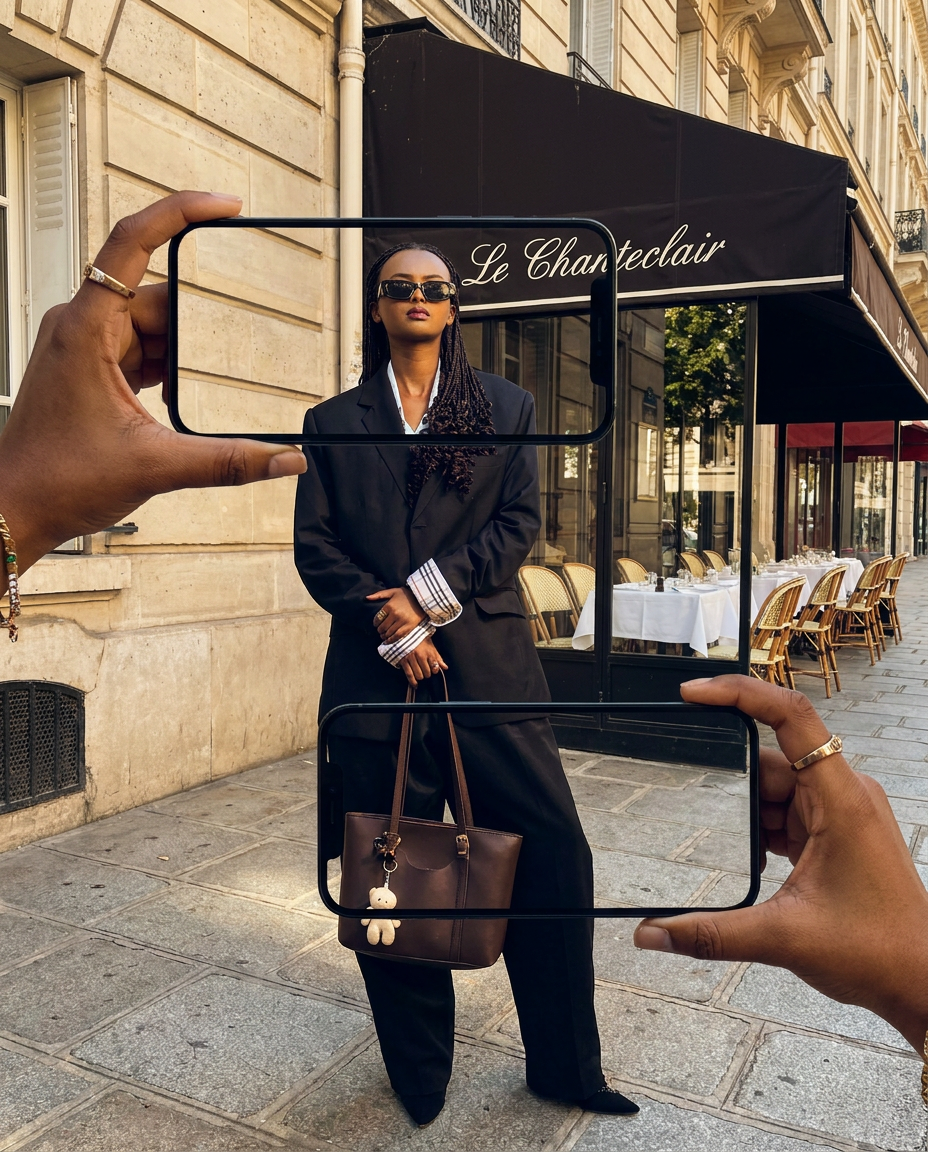
Capture the exact likeness of any person with incredible precision. This system maps every unique facial feature, skin tone, and hair texture onto your chosen subject, ensuring their physical appearance remains completely consistent across any pose or setting you decide to put them in.
Regenerate using your own assets.
Advanced techniques: merging identities and high-fidelity reconstruction
Once you master the core principle of locking identity, you can explore more advanced creative possibilities. MyUP provides templates that handle even more complex identity-related tasks, turning what would be days of expert-level editing into a single execution.
- Merging Identities: For conceptual art or creative projects, you might want to blend the features of two different people. The Dual Portrait Face Swap Composition (Template: #myup-bk8v-u9ow) seamlessly merges the characteristics of two source faces into a single, cohesive, and believable new portrait.
- Extreme Fidelity: When your project demands the highest level of photorealism and precision, you need a process that prioritizes faithful reconstruction above all else. The High Fidelity Male Portrait Reconstruction (Template: #myup-tw5f-crp8) is engineered to capture and rebuild a subject's likeness with meticulous detail, perfect for digital doubles or hyperrealistic art.
Stop fighting your tools and start creating
The frustration of getting a 'random new person' from an AI upscaler isn't a personal failure; it's a tool failure. You were using a tool designed for creative invention when your project required predictable production. For creators, marketers, and developers, results can't be left to chance. You need a platform that understands your intention and delivers a finished, professional creation every time. MyUP is that Creative Production Platform. Stop performing 'Face-ID surgery' in complex software and start turning your ideas into finished creations, from A to Z. Create an account and try a character consistency template today to see the difference for yourself.
